
the Spring Court


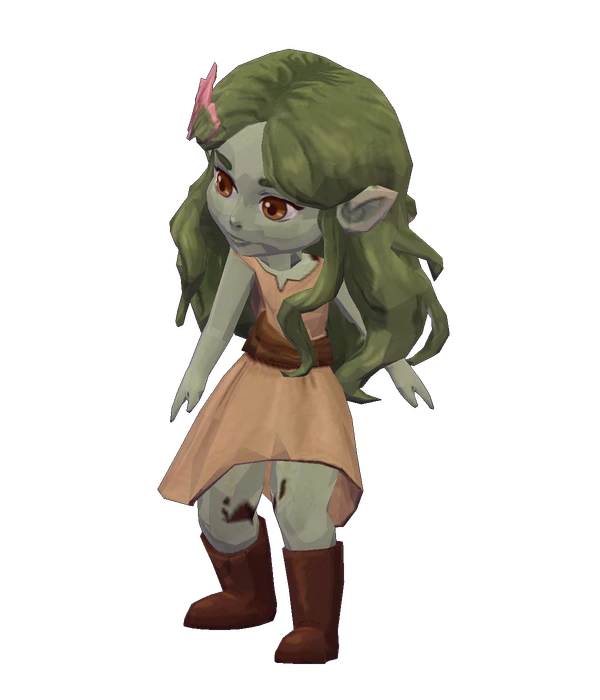 Good company. A little magic.
Notes from Briarwood · a player’s field guide
Thorns & Tillage
A little dirt.
A little magic.
A place to belong.
Plant your first seeds, get to know the neighbours, and find your own way through a storybook countryside.
Find your way around Guide contents ↓
Your first day
A little patch of spring.
You have a cottage, a pocketful of seeds, and absolutely no reason to do everything today.

Plant something small.
Cut a few weeds with the Scythe. Till with the Hoe, choose Hearthroot Seeds, then plant. A little field is plenty to begin with.

Give it a drink.
Water your seeds; refill the can at the pond. Target a crop to see whether it needs water and how many watered nights remain.

Follow the path east.
Say hello in Rosehollow. Visit the Hearthstone in the square, then head home when you feel like it. The village will still be there tomorrow.
Meet the neighbours
Come for the seeds. Stay for the people.
A few familiar faces, a few new friends. There’s more growing here than your garden.
Hazel
Seedseller of RosehollowA pocketful of seeds and a warm welcome. Start with her stall when your little field needs something new.
Tansy
Mask-makerCome for the furniture. Stay for a conversation. Your cottage can wait another minute.
Tamlin
High Lord of the Spring CourtBeyond the village, the Spring Court has a story of its own. Take the path when you feel ready.

Lucien
Emissary between courtsAnother face to seek out as your world grows. Say hello, then come back another day.
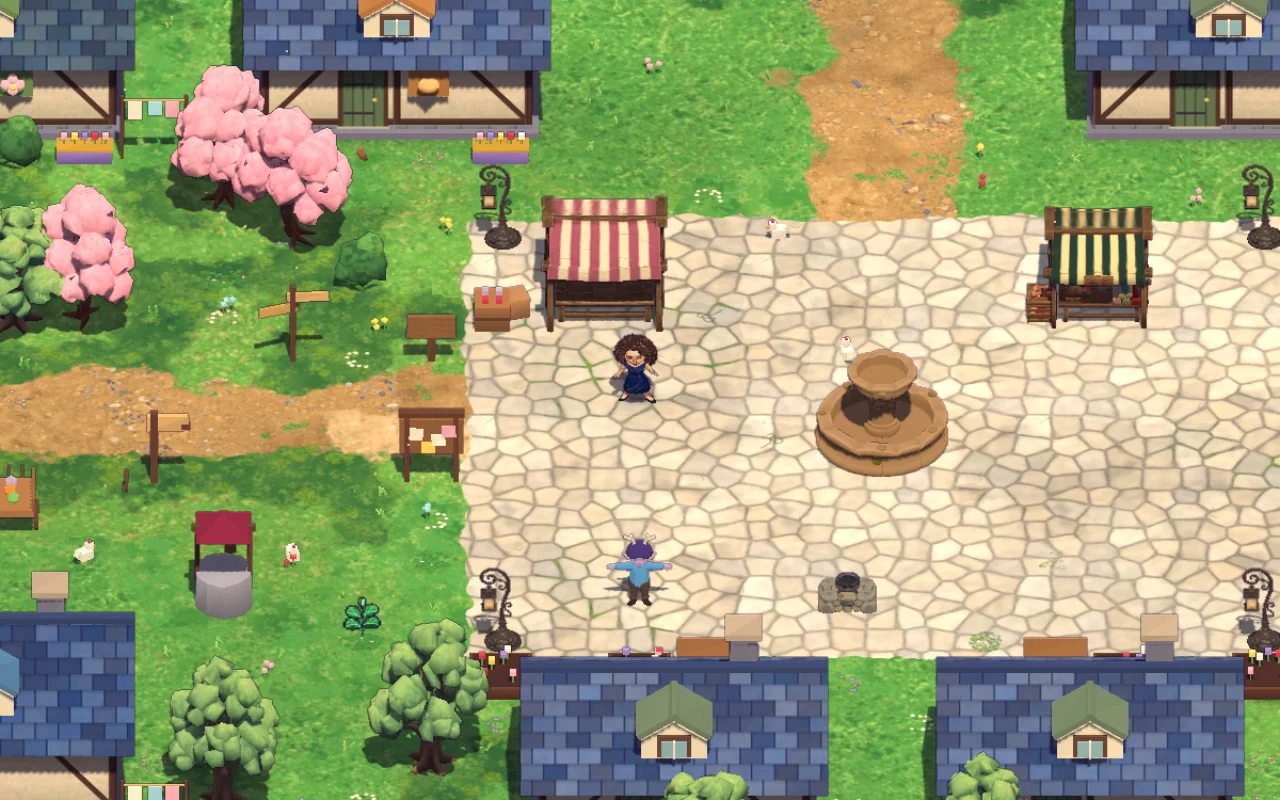
Talk, bring a gift, and come back another day. Neighbours have their own schedules, tastes, and stories. The notebook in Menu → Life → Neighbours remembers the gift tastes and conversations you have discovered.
At two hearts, invite a friend for tea, a picnic, fishing, or stargazing during the listed hours. Original characters can become romantic partners; characters from the books remain friends.
Around the farm
Find your own rhythm.
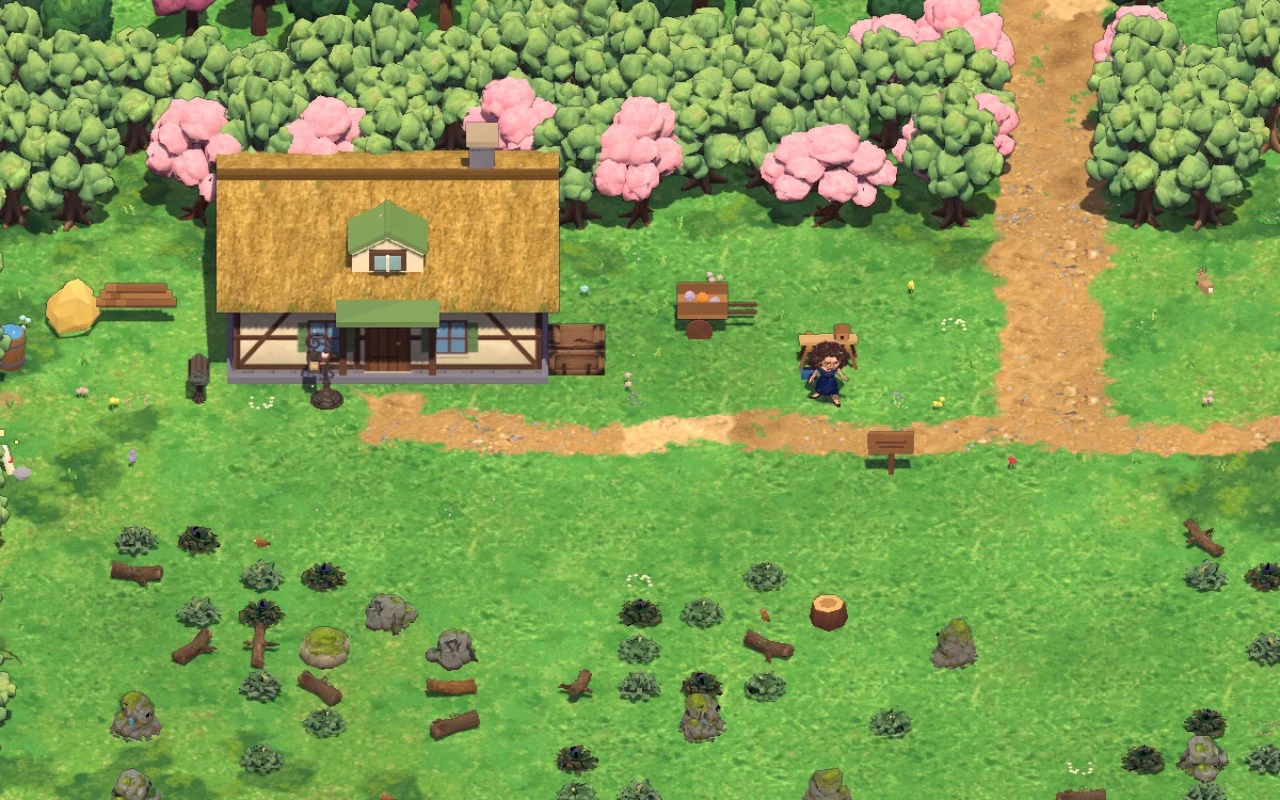
Grow a little. Keep a little.
Crops grow on watered nights. Check the season before planting; if a seed will not mature in time, the game warns you before using it. Keep useful wood, fiber, and produce for recipes and shrine offerings.
The shipping bin holds items until you sleep. Change your mind? Take them back out before bed.
Leave room for a quiet day.
Rest on a bench or by a fire to recover a little energy. Pick Settings → Day speed → Relaxed for twice as much real time in each day.
Farm trees can be cleared with an Axe, but you do not need a perfectly empty field. Keep the blossom trees you love.
Small joys
Make yourself at home.
Open Menu → Life when you want a little inspiration. Pick whatever sounds lovely today.
A flock with names
Adopt chickens or ducks on your farm. Feed a little fiber, brush feathers, and collect eggs. Missing a day of care has no penalty.
A stall of your own
Display produce, flowers, or dishes. Neighbours you have met shop overnight; their favourites earn a little extra thanks.
A home that feels like you
Buy furniture from Tansy, decorate the cottage, and plan paths or sprinklers in Life → Plan farm. Check the cost before building. Undo can reverse recent edits when later changes would not be overwritten.
Something worth keeping
Brush eight squares at a village or forest excavation. Restore three matching fragments at home, then display your find or donate it inside the Archive.
A bit of weather magic
Watch for mist, petals, fireflies after rain, and meteors. An enchanted day can bring one moon-dew gift.
A page in your album
Milestones become memories. In photo mode, choose Keep in album for a personal picture, then add a caption in Life → Album. There is room for twelve photos.
Birds, discoveries, stall stock, and memories travel with your farm save.
Goals & supplies
A plan, without the pressure.
Pin the thing you fancy making.
Pin a shrine in Quests, a known recipe at the hearth or workbench, or a village project in Life → Today. The checklist separates delivered offerings, pack supplies, and chest supplies.
On a phone, your goal is one small button. Tap it for the full checklist; the game pauses while you read. Expand an ingredient to find known sources, or open the map when you are ready to go.
Keep the good ingredients.
Star an item in Pack to make it a favourite. Favourites and supplies still needed by a pinned goal are protected from selling, shipping, discarding, and stall listing. Unstar or unpin when you want to use those actions.
At the hearth or workbench, make one batch, five, or the maximum. The craftable-only filter is handy when you just want to see what is possible.
A little adventure
There’s more beyond the hedgerow.
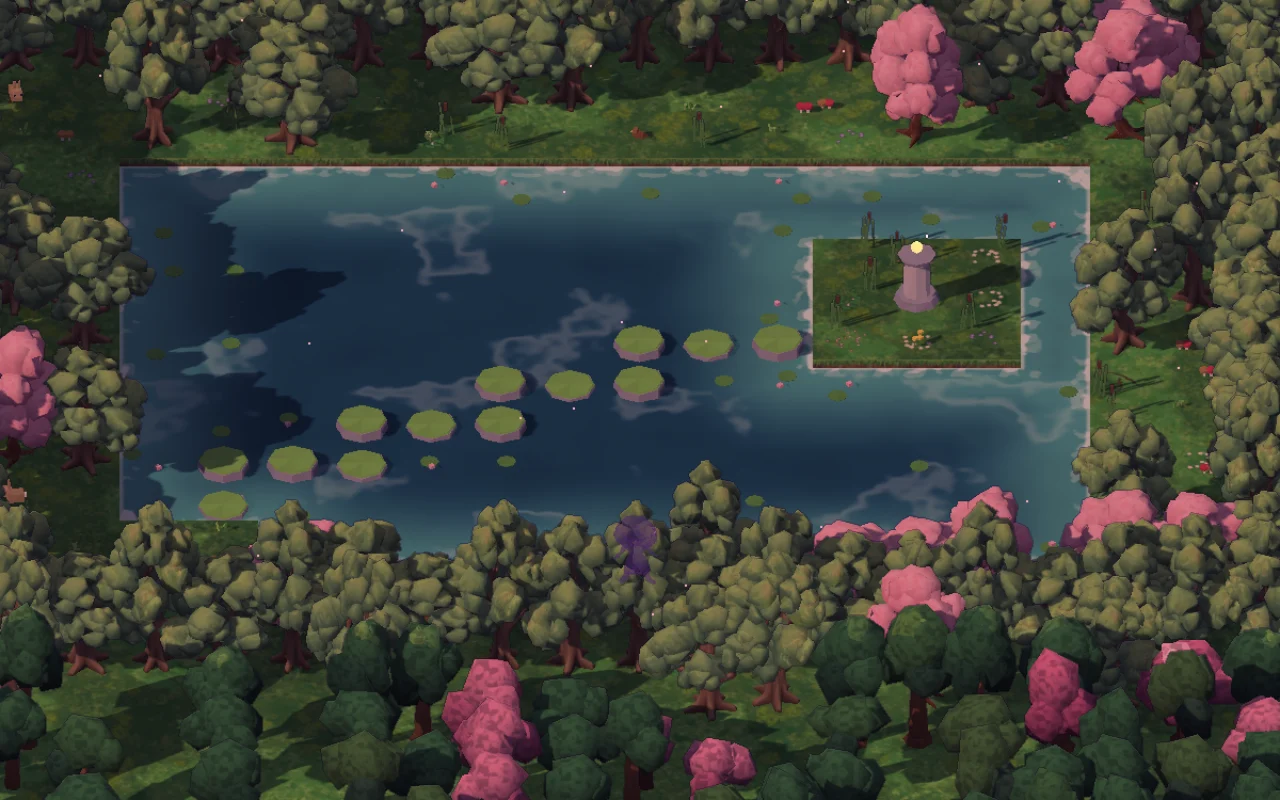
Fish, follow a woodland path, or see what the Archive is still missing. The larger story, Rekindling Spring, asks you to relight five shrines. Puzzles, conversation, stealth, and curiosity carry you through the stranger places.
Your journal keeps discoveries close. The map labels explored shops and exits, shows opening hours, and points toward your pinned goal. Unexplored places stay a surprise. Later, travel carts take you to the Middle, the mortal lands, Adriata, and Velaris.
You do not need to solve every riddle on the day you find it.
Controls & sound
Get comfortable.
On a phone, drag on the left to walk, tap a useful tile or USE to interact, and tap your hotbar to choose a tool. Swipe the hotbar sideways to reach the rest. Pinch to zoom; twist two fingers or use the rotation buttons to turn the camera.
Keyboard controls & a few handy tips
| Action | Phone / touch | Keyboard / mouse |
|---|---|---|
| Move | Drag on the left side; tap a distant tile to walk there | WASD or arrow keys |
| Use / interact | Tap USE, or tap a nearby useful tile | Space or E |
| Select tool | Tap a hotbar slot | 1–8 |
| Rotate camera | Twist two fingers or tap the rotation buttons | Q / R |
| Zoom | Pinch | Mouse wheel |
| Open menu | Tap the menu button | Esc |
On narrow phones, swipe the hotbar sideways to reach more tools. Enable Larger reading text in Settings for more comfortable reading. Map, recipe, and save panels also support keyboard focus and Escape to close.
When an interaction seems wrong, check the selected item and the tile outline first. Move closer, face the object, and try again. Selecting a tile keeps it targeted until you move or select another. Rotate the camera when a tree or building hides the ground you are trying to use.
Read at your own pace.
Menus use clean reading type. Turn on Larger reading text in Settings if you want more room for the words. Phone menus tuck away the world controls while you read.
Bring the music with you.
The sixteen-track score moves with the places and moods of your day. Set music, effects, and ambience separately. Settings can download the whole soundtrack for offline listening—about 30 MB.
Audio starts after your first interaction and pauses when the page is hidden. Reduced motion turns off the farming motions.
Pack & cottage
A place for everything.
Tap an item in Pack, then tap its destination—or press and hold to drag it. Split stacks when you only want to carry a few. Tidy organizes the pack without rearranging your working tools.
The cottage’s Enchanted Chest holds 48 stacks. Use Store matching, Store all but the hotbar, or the searchable list view when your collection grows. A long press on a hotbar slot lets you swap an item in without opening the whole menu.
Saving & playing offline
Your farm, ready when you return.
The save button tells you when this device last saved. Tap it for details or Save now. Device saving and cloud syncing have separate messages, so check both before switching devices.
You can play without an account. To move between devices, sign in to the same account under Settings → Account & sync. You can also export a JSON backup from Settings and import it elsewhere. Keep a spare copy before replacing a farm or clearing browser data.
Load the game online before taking it offline. You can install it as a web app; if play feels uneven, try Battery saver graphics. Audio and day-speed preferences belong to the browser you are using.
Little questions
One more thing…
My tool is working on the wrong square.
Check the selected tool and the outlined tile. Move closer, select the tile again, and follow the action prompt. Turning the camera can help when a tree hides the ground.
Can I start the tutorial again?
Yes. Restart the guided introduction from Settings whenever you want a refresher.
Do I have to finish the story quickly?
No. Grow your farm, make friends, decorate, or explore at your own pace. A quiet day is still a good day.
Where did my goal checklist go on my phone?
It lives in the small pinned-goal button. Tap it to open the checklist, read ingredient sources, use the map, or unpin the goal.
See you in Briarwood
Your little corner of spring is waiting.
Play Thorns & TillageAn unofficial, non-commercial fan game inspired by A Court of Thorns and Roses. The books and their characters belong to Sarah J. Maas and Bloomsbury Publishing. Not affiliated with or endorsed by them.